
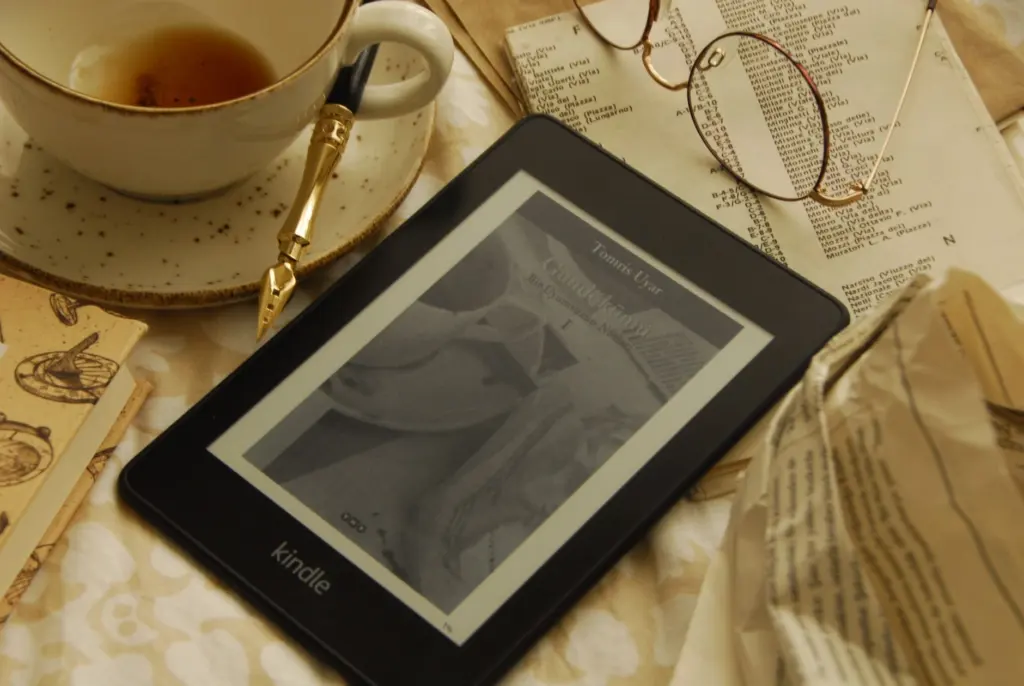
The best tablet for reading books depends on how you read: an e-ink tablet such as a Kindle Scribe or Kobo suits long book sessions, while an iPad Air suits readers who also want apps, color and video on one screen.
If you are still deciding between tablet categories, how to choose a tablet covers the wider buying basics before you narrow down to reading.
Display type and reading comfort
Display type is the biggest single factor in reading comfort, because it changes how the page reaches your eyes. E-ink screens reflect natural light rather than emitting it, so the screen looks much closer to paper. That is why e-readers and e-ink tablets are the usual choice for people who read novels for hours at a time.
The trade-off is range. The same guide notes that e-ink tablets are designed for reading, writing and document review, not for playing video or running dozens of apps. If you want a device that does only books and notes well, that limit costs you nothing. If you expect it to replace a general-purpose tablet, it will.
LCD tablets sit at the other end. Devices like the Apple iPad Air and Samsung Galaxy Tab S8 are described as offering vibrant displays and optimized reading modes, which makes them a better match for illustrated books, magazines and anything where color matters. For plain text, the same source points to a feature that applies to any screen: a high-resolution display with a matte finish reduces glare and minimizes eye strain during prolonged reading sessions.
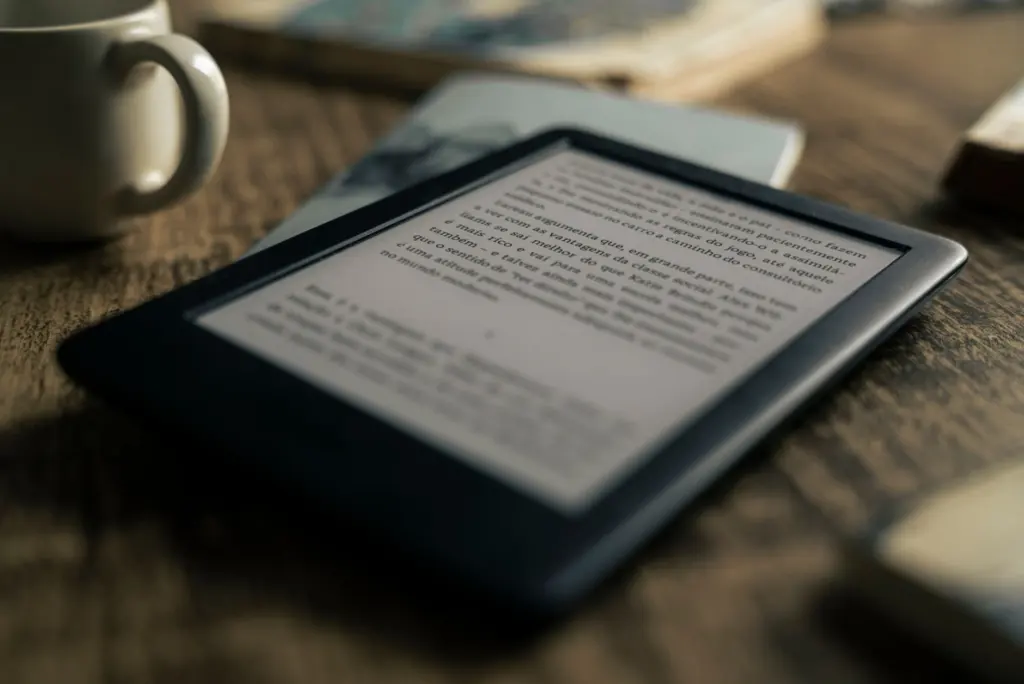
In practice, choose e-ink if text is most of what you read and you read for long stretches. Choose an LCD tablet such as an iPad if your reading mixes in color content or if the tablet has to do other jobs. Either way, the matte, high-resolution rule is a sound filter when comparing models.
Battery life: what the figures mean for readers
Battery life matters for reading because a dead screen interrupts a book at the worst moment, and the published figures are not all measured the same way. Two Amazon Fire tablets show the kind of numbers LCD tablets are listed with: the Fire Max 11 is listed with a 14-hour battery life, and the Fire 7 with a 10-hour battery life. Those are hours of use, so a heavy reader should plan on regular charging rather than treating them as multi-day figures.
For e-ink models, the supplied specifications do not give a comparable hour figure, so check the manufacturer’s rated battery life for the exact model before buying. Ratings depend on usage, so compare like with like rather than setting an e-ink rating beside an LCD one. Some devices make the remaining charge easier to track: the Kobo Stylus 2 has a colored indicator light that shows how much battery is left, which is handy if you take notes as well as read.
One premium listing is worth knowing about. The Kindle Colorsoft Signature Edition is listed with a color display, an auto-adjusting front light and wireless charging, and with long battery life as a listing claim. Treat that as a claim to confirm against the manufacturer’s rating rather than a measured result.
Models worth considering
The models below cover the main reading routes: e-ink tablets with a stylus, a color e-ink alternative, multi-purpose LCD tablets and low-cost LCD options. The table pulls together the screen size, weight and battery details that are listed for each.
| Device | Screen | Weight | Listed battery | Planning use |
|---|---|---|---|---|
| Kindle Scribe lineup | 11-inch glare-free display, 5.4 mm thin | About 400 grams | Not listed | Book-first e-ink reading with writing; check the battery rating for your model |
| reMarkable Paper Pro | 11.8-inch color display with adjustable reading light | Not listed | Not listed | Larger page for documents and notes alongside books |
| Amazon Fire Max 11 | 11-inch display, 64 GB | Not listed | 14-hour | Budget-minded LCD reading with app flexibility |
| Amazon Fire 7 | Not listed | Not listed | 10-hour | Lowest-commitment LCD option for casual reading |
Figures are from a beginner’s guide to e-ink tablets and a long-battery-life tablet listing.
Kindle Scribe: best fit for Amazon library readers
The Kindle Scribe lineup uses an 11-inch glare-free display that is 5.4 mm thin and weighs about 400 grams, according to the e-ink tablet guide. The newer models offer 40% faster writing and page turns than previous models. The Scribe ties into Amazon’s bookstore, so it suits anyone whose library already lives there. The Colorsoft version brings a color writing experience to a Kindle for the first time, which matters if you annotate diagrams or highlight in several colors.
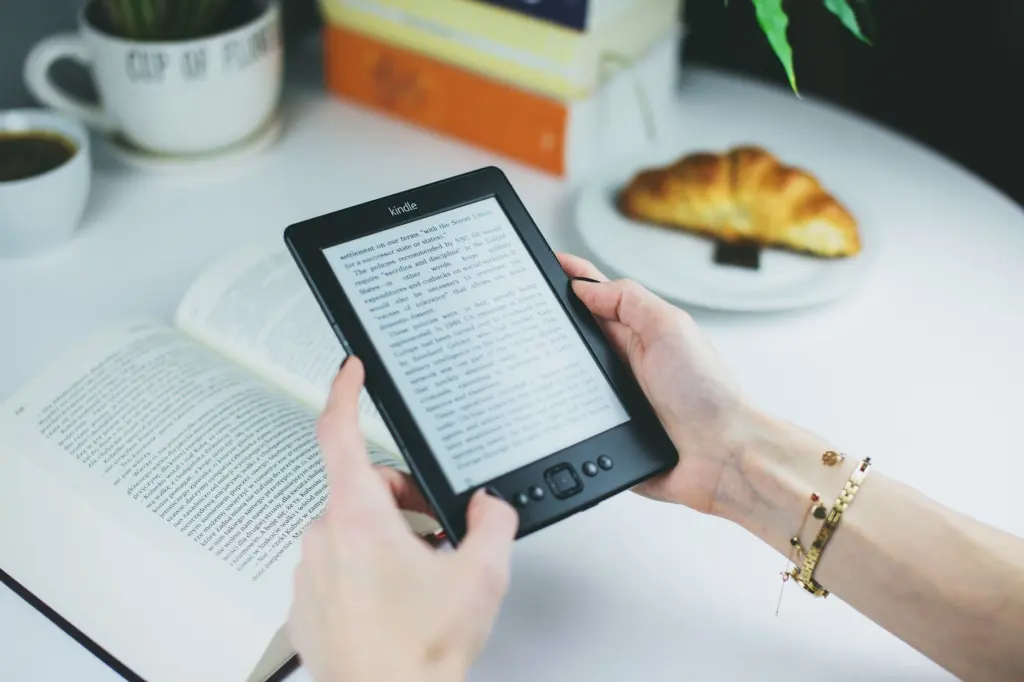
Kobo Elipsa 2E: best fit for stylus users outside Amazon
The Kobo Elipsa 2E pairs with the Kobo Stylus 2, and the same stylus also works with the Kobo Sage and Kobo Libra Colour. That makes Kobo a sensible choice if you want to read and annotate without buying into Amazon’s bookstore, and it lets you move between Kobo screen sizes without replacing the stylus.
reMarkable Paper Pro: a larger page for documents
The reMarkable Paper Pro has an 11.8-inch color display with an adjustable reading light and an ultra-slim profile, per the e-ink tablet guide. The adjustable light is the useful detail for evening reading. It suits people who read long documents or work papers as much as books, since the guide places this category around reading, writing and document review.
iPad Air and Galaxy Tab S8: one device for everything
These two are the multi-purpose route. As noted earlier, they are described with vibrant displays and optimized reading modes. Pick one when books are only part of the job, when you read illustrated titles, or when you want to stay inside a wider app ecosystem. If you will mostly read plain text for hours, an e-ink device is the more comfortable specialist.
Amazon Fire tablets: the low-cost LCD route
The Fire Max 11 and Fire 7 are the budget end of the figures above, at 14-hour and 10-hour listed battery life. They suit casual readers and anyone who wants an inexpensive tablet that handles reading apps and everyday tasks. Because they are LCD tablets, apply the matte-finish test from earlier when judging glare in bright rooms.
Choosing in four steps
- Define what you read. Mostly novels and nonfiction points to e-ink; illustrated books, magazines and comics point to an LCD tablet or a color e-ink model.
- Decide whether the device must do more. If you need video or many apps, skip e-ink. If you want a calm reading and note-taking device, an e-ink tablet removes the temptation to switch tasks.
- Match the ecosystem. Amazon’s bookstore favors the Kindle Scribe; Kobo’s stylus compatibility favors Kobo; broader app needs favor an iPad or Galaxy Tab.
- Check size, weight and battery for your own habits. A larger screen shows more page but is heavier to hold; confirm the rated battery life for the exact model.
If you are choosing for a child rather than yourself, Best Tablet for Kids in 2026: Smart, Safe, and Budget-Friendly Picks – Getoku weighs safety and budget. If most of your reading happens on the move, Best Tablet For Travel In 2026: Lightweight, Long‑Lasting Picks For Every Traveler – Getoku looks at the same decision from a portability angle.
Frequently asked questions
Can an e-ink tablet replace a regular tablet?
Not for video or app-heavy use. E-ink tablets are made for reading, writing and document review rather than playing videos or running dozens of apps, so they work best alongside a phone or laptop.
Does the Kindle Scribe work with cloud storage?
Yes, it now adds OneDrive, Google Drive and OneNote support, on top of its integration with Amazon’s bookstore.
Which Kobo devices work with the Kobo Stylus 2?
The Kobo Elipsa 2E pairs with it, and it also works with the Kobo Sage and Kobo Libra Colour.
Is there a Kindle with color writing?
Yes. The Kindle Scribe Colorsoft is the first Kindle to bring a color writing experience.