
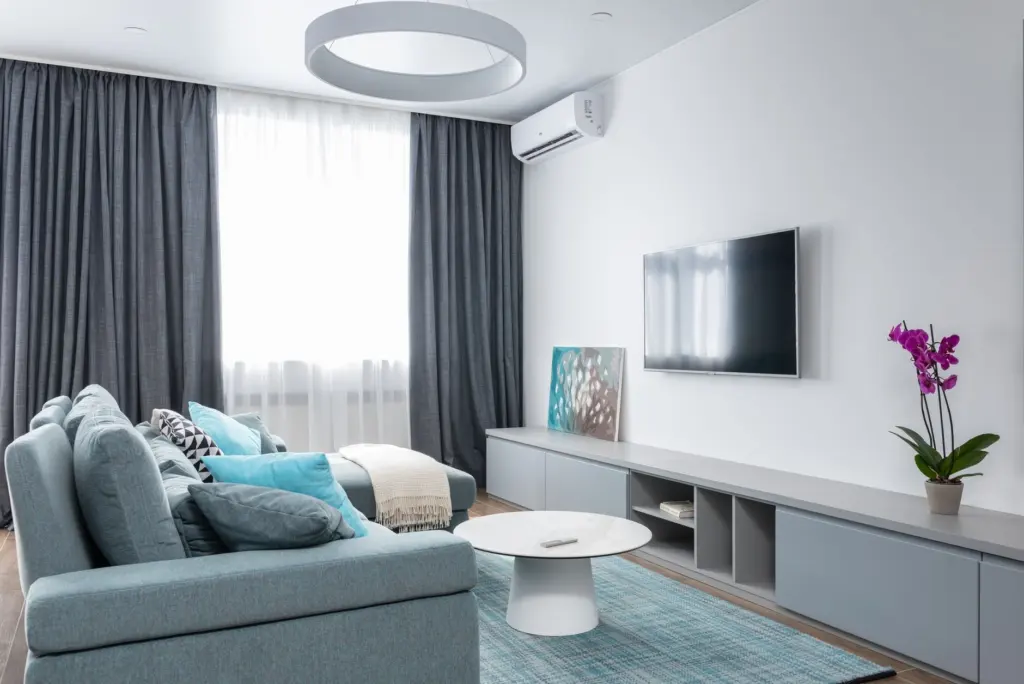
What size tv for living room seating comes down to distance: for a 4K TV, sit roughly 1.5 times the screen size away, then choose the largest screen that still fits your wall or stand.
The chart below turns that rule into sizes for common seating distances. For the wider buying picture, start with how to choose a tablet and the other device guides in the consumer technology hub.
How seating distance sets the right screen size
TV screen size is measured diagonally, corner to corner, according to Samsung’s buying guide. That diagonal is the number you match against the distance from your seat to the screen.
For 4K sets, the standard recommendation is a viewing distance of approximately 1.5 times the screen size, as The Big Screen Store explains. Older advice for 1080p TVs was 2 to 2.5 times the screen size. Higher resolution lets you sit closer, so a given room can take a bigger screen than the old rules suggested.
Relaxed and cinematic ends of the range
Home Size Lab turns the distance into a simple formula. Divide your seating distance by 1.6 for a relaxed picture, or by 1.2 for a cinematic one. The relaxed end rests on 30 degrees of horizontal view, which SMPTE sets as the minimum for general viewing. The cinematic end rests on THX’s recommendation of 36 to 40 degrees for movies.
The two ends suit different households. Choose the relaxed size if the TV serves mixed daytime viewing, and the cinematic size if the room is mainly for films. A 75-inch screen reaches the cinematic 40-degree mark at 7.5 ft, so seating nearer than that to a screen of that size is more immersive than most people want for everyday viewing.
Distance-to-size chart for living rooms
Find your seating distance in the first column, then read across. The typical range is a general recommendation. The relaxed and cinematic columns show the two ends of the viewing-angle formula.
| Seating distance | Typical size range | Relaxed / cinematic size | Planning use |
|---|---|---|---|
| 6 ft (72 in) | 48–55 in | 45 in / 60 in | Compact rooms and close seating; stay near the lower end unless the room is for films. |
| 7 ft (84 in) | 55–65 in | Not listed | A common step up from the smallest rooms; a mid-sized screen suits mixed viewing. |
| 8 ft (96 in) | 65–75 in | 60 in / 80 in | Choose the smaller end for relaxed viewing and the larger for movie-focused rooms. |
| 10 ft (120 in) | 75–85 in | Not listed | Larger rooms where a big screen still fits the seating layout. |
| 12 ft (144 in) | 85–98 in | 90 in / 120 in | Open-plan or deep rooms where only the biggest panels fill the view. |
Figures come from The Big Screen Store’s size guide and Home Size Lab’s distance table.
Most living rooms have seating 9 to 12 ft from the TV wall, so the lower half of the chart applies to many homes. The relaxed and cinematic columns can sit outside the typical range. Treat the cinematic figure as the upper limit of comfortable immersion, not as the target.
Round your result to a size that is actually sold. Home Size Lab lists the standard retail sizes as 43, 50, 55, 65, 75, 85 and 98 inches. A calculated result between two of them should usually round to whichever suits the shape of your room and your wall or stand.
Measuring your room before you choose
Measure the real distance, not a guess, because the size bands shift with every step of seating distance. Follow this order:
- Measure from the main seat. Run the tape from where the primary viewer actually sits to the TV wall, and use that figure in the chart.
- Check for a second distance. If seating moves, such as a recliner or a pulled-out chair, note the shortest and longest distance and make sure the screen suits both.
- Apply the formula. Divide the distance in inches by 1.6 and by 1.2 to see your relaxed and cinematic sizes, then pick the nearest standard size.
- Test against the space. Compare that size to the wall or furniture width using the dimension guidance in the next section.
Room size gives a quick cross-check. A small room is the one most likely to push you to the lower rows of the chart, while open-plan rooms with deeper seating can take the largest panels.
Will it fit your stand or wall?
A diagonal does not tell you how much width the TV takes. For a 16:9 screen, Home Size Lab gives the width as the diagonal multiplied by 0.8716. For a 65-inch TV that works out to a screen of about 56.7 in, which you should plan as about 59 in once the frame is included.
The stand should be wider than the TV. Home Size Lab asks for the stand to beat the TV’s width by at least 4 inches, so that 65-inch TV wants a 63-inch console, not a 60. That is a minimum margin, not a target.
Before you buy, Samsung advises checking how much room you have in your entertainment center. Measure the cabinet width, and if you are filling an alcove, measure the opening rather than the unit.
A wall mount loosens the limit. According to Samsung, a wall-mounted TV usually leaves plenty of room to go as big as you like, and its general advice is to buy the largest screen that will fit the chosen spot. The distance calculation still applies: a mount lets you reach the top of your range, but it does not move the seating.
Is 4K needed at that size?
For living-room sizes, 4K is the sensible default. Samsung describes 4K as the new standard of quality, with 8K now available, and notes that higher resolution puts more pixels on screen, which matters more as the screen grows.
The practical effect is on seating distance. The 1.5 times rule for 4K is what lets you sit comfortably close to a large screen. If you were to choose a 1080p set, the older guidance of 2 to 2.5 times the screen size would apply, so you would need more distance or a smaller screen for the same clarity.
For a bigger TV, such as the larger rows of the chart, prefer 4K so that the extra width does not come at the cost of a softer picture at normal seating distance.
Common mistakes to avoid
- Buying by diagonal alone. The width of the screen is what has to fit the stand or wall, so check the width as well as the diagonal.
- Using old distance rules. The 2 to 2.5 times multiple belongs to 1080p. Applying it to a 4K set makes the recommended screen smaller than it needs to be.
- Treating the cinematic size as the goal. It is the top of the viewing-angle range. Mixed daytime viewing suits the relaxed end better.
- Ignoring where people really sit. Measure the main seat, not the room’s centre.
If you are also deciding on other devices for the home, The Best Tablet For College Students In 2026: Lightweight, Long‑Lasting Picks For Every Major – Getoku covers portable screens, and Tablet Vs Laptop: Which Is Best For You In 2026? A Practical Buyer’s Guide – Getoku helps when you are choosing between device types.
Frequently asked questions
What TV size suits a small living room?
Home Size Lab places small rooms at seating distances of 6 to 7 ft, medium rooms at 8 to 9 ft and large rooms at 10 to 12 ft. Use the first two rows of the chart for a small room, and keep to the relaxed end of the range.
Can I go bigger if I wall-mount the TV?
Usually, yes. Samsung says wall-mounted TVs typically leave plenty of room to go large, because you are not limited by a stand’s width. Seating distance still sets the upper limit.
How high should the screen sit?
Aim to put the screen centre at seated eye height, which for most people is about 42 to 48 inches from the floor, according to The Big Screen Store. Check this against your own seat before drilling a mount.